IT Security During the Summer Holidays

Key takeaways
- Before the trip: update your smartphone, note down IMEI numbers, check with IT whether your destination country is enabled for access
- On holiday: avoid public Wi-Fi, never leave devices unattended, publish social media posts only after you return
- In an emergency: inform IT, disconnect internet and Bluetooth connections, change passwords and block credit cards
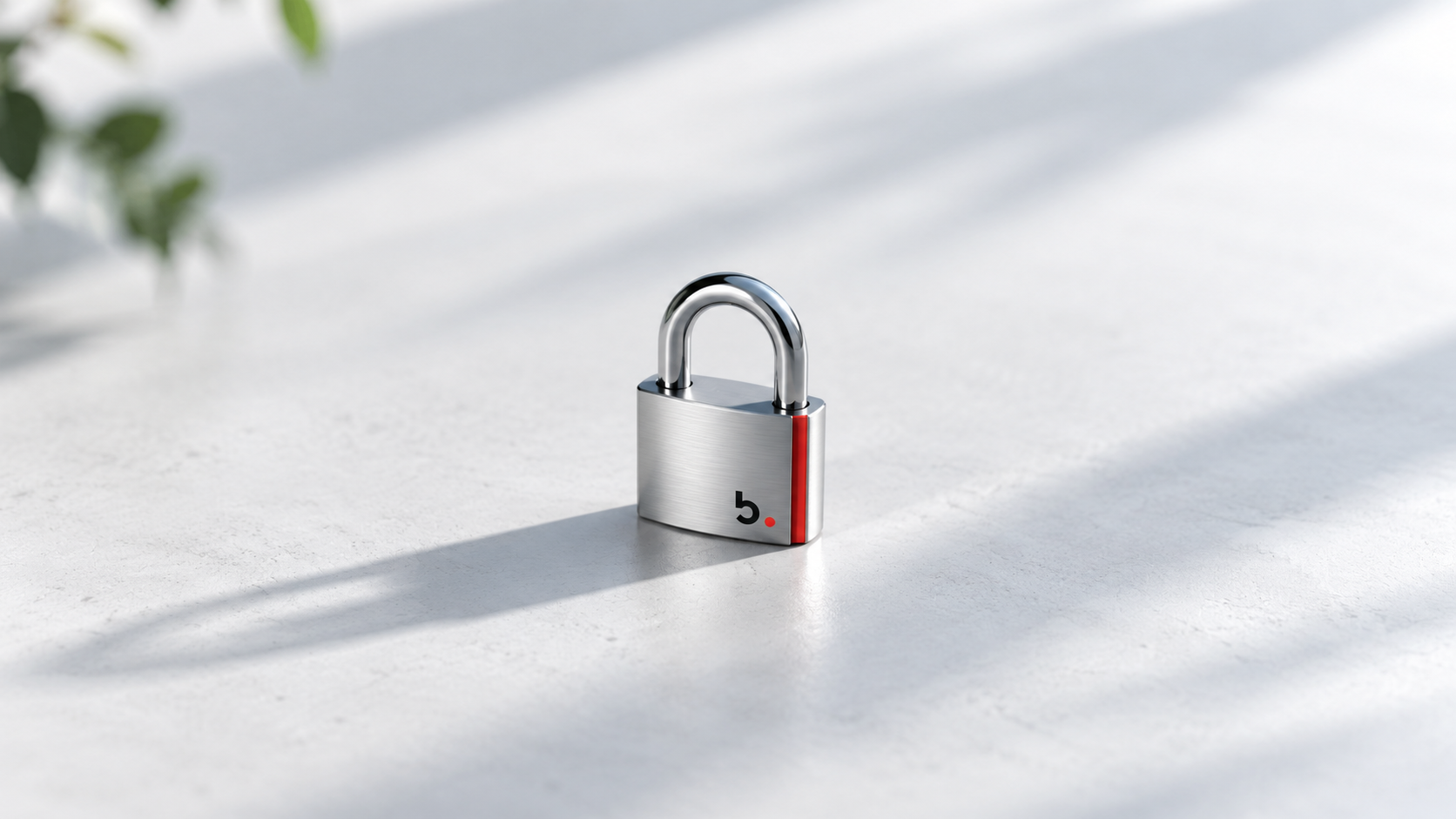
No one lies down in the blazing beach sun without sunscreen – no one who loves their health as much as an intact set of data. While sunscreen is easy to apply, putting on IT and mobile protection while on holiday is a little harder. b.secure – the Baggenstos motto in every season – succeeds, though, with a mix of caution and basic security rules. Sophisticated security technologies in Azure take care of the rest.
Checklist
Before you pack your suitcase:
- Update your smartphone to the latest software version
- Note down the IMEI numbers (in case of theft)
- Check with the IT department whether your destination country is enabled for access
At your holiday destination
- Avoid public Wi-Fi – it is a “hot zone” for data theft
- Never leave devices unattended
- Only publish social media posts after you return
Before departure
The smartphone is an indispensable travel companion. With a few precautions, it can also be used safely abroad. Anyone who wants more than just to find the route to the nearest restaurant and can’t live without an umbilical cord to the office should have basic protection in place: a lock screen, multi-factor authentication, complex passwords or passkeys, and secure access. Conditional Access in Azure handles this. So check with IT – your destination country may be blocked for access!
Check whether your smartphone is on the very latest software version. Only then are known security vulnerabilities closed. Note down the IMEI numbers in case of theft, which you must report immediately. Via Mobile Device Management, company data can be removed remotely.
Sensitive destinations with extensive smartphone checks at the borders require further precautions, such as cleaning up social media accounts. When in doubt, we recommend leaving the smartphone at home and enjoying the holidays with a “dumbphone”. Your employees and your colleagues will manage without you for a few days, we promise.
During the holidays
If you use public Wi-Fi, you risk a data blaze. Business activities should be avoided in such hot zones. It is best to switch off Wi-Fi and Bluetooth altogether during your holidays and avoid all public digital services and PCs. Also, never leave your device unattended – it is the key to your digital life and work. After all, you don’t simply leave your house keys lying around together with your ID on your beach towel while you splash about happily in the water.
Depending on the destination country, certain restrictions apply to the internet. Inform yourself beforehand about possible censorship measures and stick to the principle of only creating posts after your holidays. After all, social media are also good information sources for criminals, and empty houses are easier to clear out. Above all, though, think of your admin. He or she is always in alert mode – cybercriminals don’t take holidays. So please always apply our exclusive sunscreen b.secure – with Baggi factor 100.
Emergency checklist
- Inform the IT department or employer: If the device is registered, its contents must be made inaccessible and the device locked.
- “Pull the plug”: Immediately cut off internet and Bluetooth connections (Wi-Fi, mobile data).
- Change passwords: Check with the IT department whether your destination country is enabled for access.
- Block credit cards: If payment information was stored on the device, block the cards as a precaution.
- b.secure: Security with Baggi factor 100. More information and a Security Assessment here
More holidays in your luggage