Microsoft Teams: a fresh breeze for collaboration

Key takeaways
- With the end of Skype in May 2025, Teams moves to the centre: flexible notifications, renamed "Shared" tab, Microsoft Places for room management, Loop Workspaces, improved channel search and video recording in posts
Microsoft Teams keeps evolving – and faster than ever.
With the upcoming end of Skype in May 2025, Teams is moving even more to the centre of the modern workplace. In our blog we show you the latest features, improvements and tips.
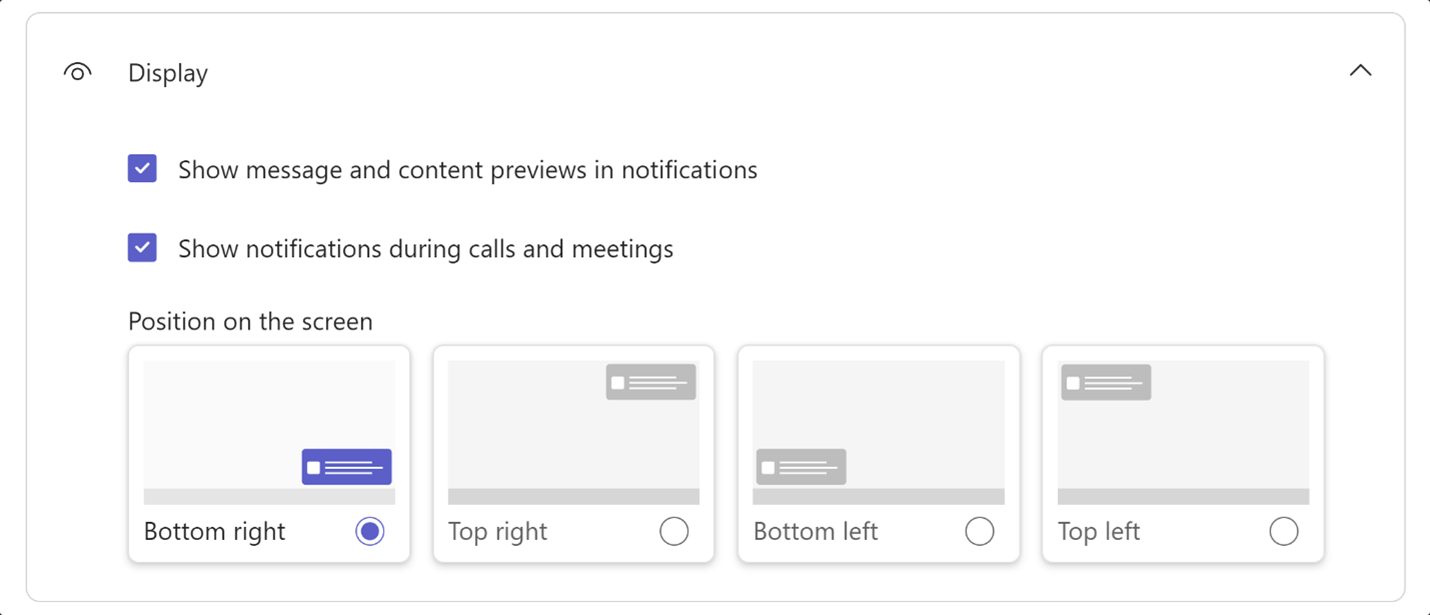
Flexible placement of notifications
The notifications normally appear at the bottom right. They can now be placed anywhere in the settings, including at the bottom left or at the top.
The "Files" tab in Microsoft Teams channels is being renamed and gets new features
The «Files» tab is now called «Shared» and gets new features. This makes it easier to distinguish between files in «Library» and «Posts». The rollout has just begun and is expected to be completed in May/June.
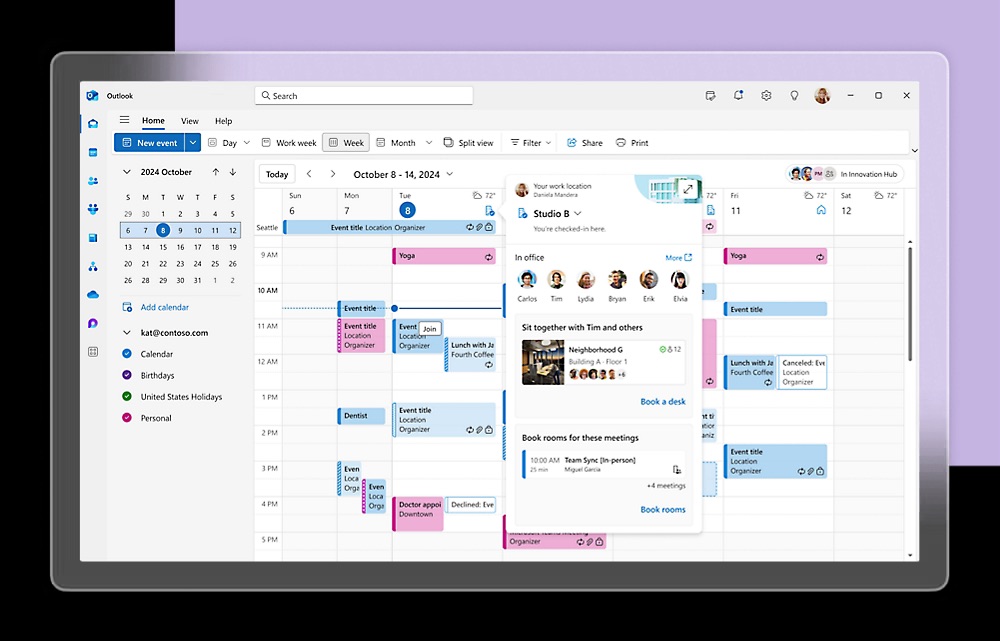
In Microsoft Teams Premium, Microsoft Places is now available: with it, organisations manage their premises and events – supported by AI.
Loop Workspaces can now be added to the standard channels: this provides virtual workspaces for real-time communication within Teams with external and internal employees.
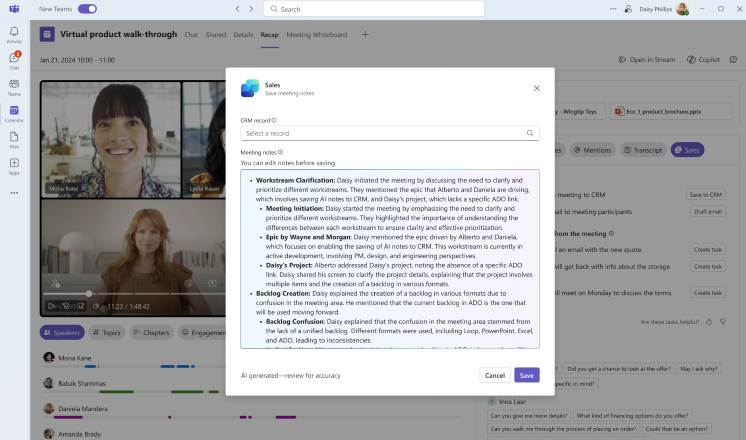
After a Teams meeting, meeting notes can simply be saved in the CRM with Microsoft 365 Copilot for Sales.
With a new control in the presentation bar, presenters can access the meeting chat during screen sharing.
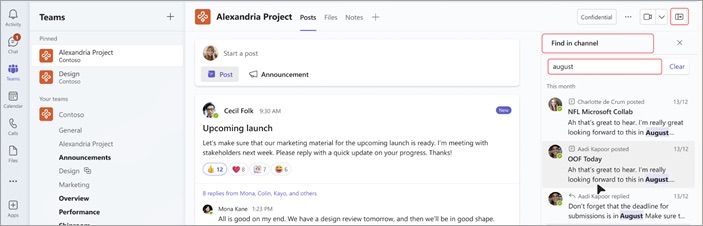
A new search function for the channels makes it easier to find specific information – without lengthy scrolling through the channel.
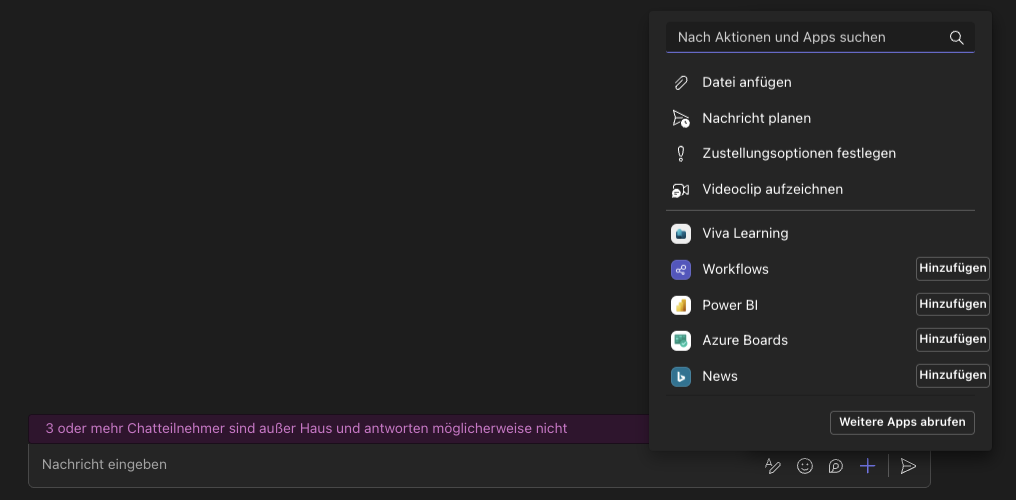
When creating a post, a click on the plus sign also lets you record a video with many features.
New Chats and Channels experience: the biggest change in Teams
In the last update we presented innovations around the Teams features. In the video, our expert, Manuel Brändle, shows how to apply the changes in a targeted way.
► To the full blog post: Microsoft Teams: the most exciting innovations at a glance