Chain phishing via Microsoft 365 can be prevented
Key takeaways
- Attackers hijack Microsoft 365 accounts with fake sign-in pages and send phishing emails with OneDrive or SharePoint links to the entire contact list, often including forwarding rules in the hacked account
- Protection: passkeys, a cloud security assessment, critical scrutiny of every email and immediate notification of the IT department
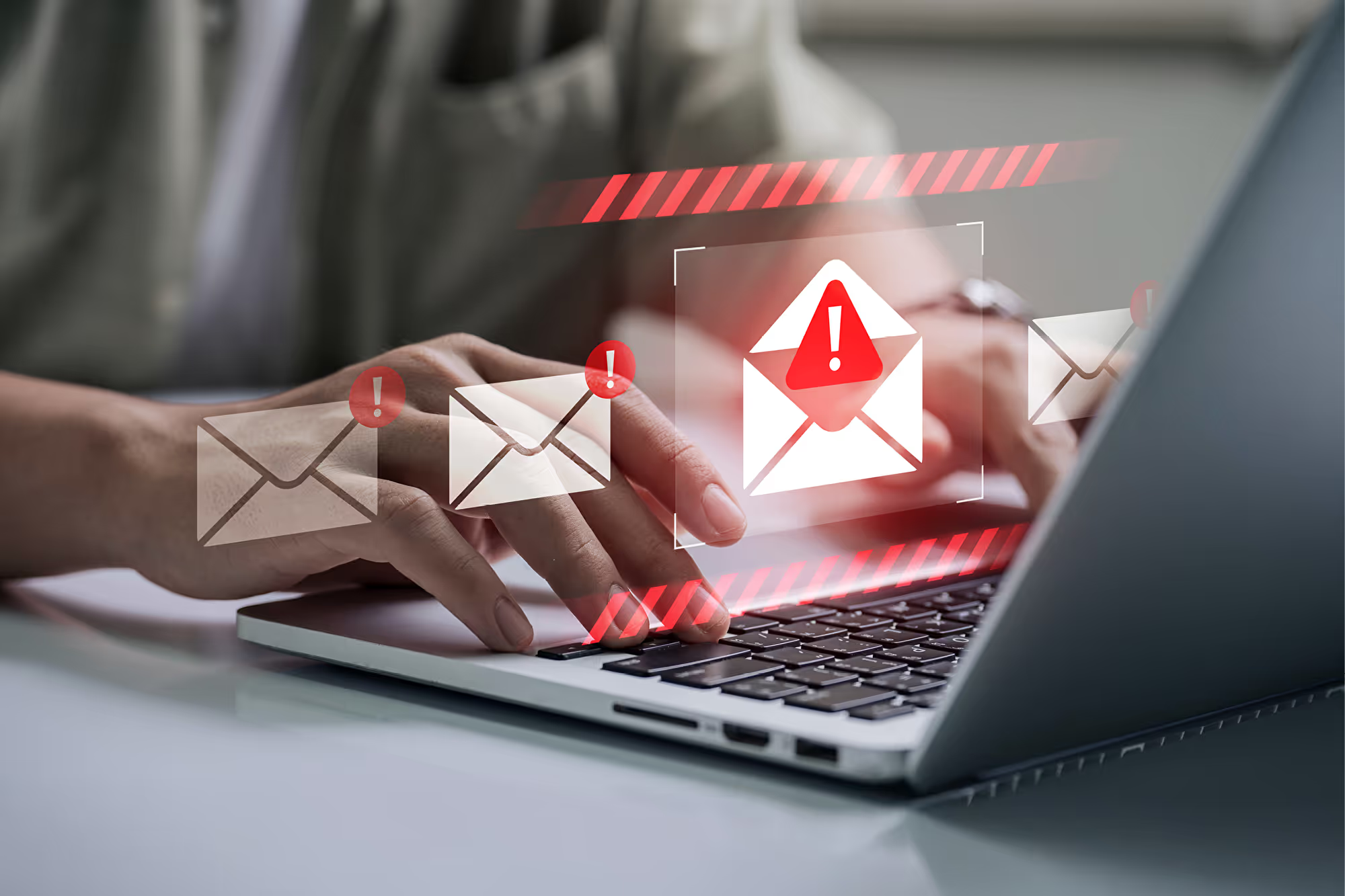
With this method, fake emails from already compromised accounts are sent to the victim's entire contact list. This approach exploits the snowball effect and is reminiscent of an escalating chain reaction («chain»).
The perfidious part: the recipients know the sender and therefore often react incorrectly by disclosing their access credentials. Because of the network effect, a single successful attack has far-reaching consequences.
Perfidious chain attacks
The Federal Office for Cybersecurity (BACS) has investigated such attacks: the attackers use fake Microsoft 365 sign-in pages to steal access credentials. The emails sent ask recipients to update their account information. The message contains a supposed OneDrive or SharePoint link. Unknowingly, the recipient enters their credentials in order to open the supposed document. A single account cracked in this way is enough to attack the entire company and its suppliers. In this way they can gain access to confidential documents. Data leaks damage the company's reputation and lead to financial consequences.
To take the whole thing to extremes, according to the BACS the attackers often create forwarding rules in the hacked account that forward incoming emails to the cybercriminals.
How to communicate securely
Baggenstos and the BACS recommend the following measures:
- Use passkeys. Learn more in our explainer video.
- A cloud security assessment reveals the vulnerabilities and offers solutions.
- If employees receive emails supposedly from you, your account has been hacked.
- For emails from colleagues in the Microsoft 365 environment, the usual rules apply: check the email sender, check the links contained, never open forms via a link embedded in the email and, in general, scrutinise unexpected emails very carefully – with a query to the colleague via another channel.
- After receiving a suspicious email, be sure to inform the IT department.
- According to Art. 24 revFADP, data security breaches with a high risk for the persons concerned must be reported to the FDPIC. This applies to private individuals, companies and federal bodies. The report must be made without delay: https://databreach.edoeb.admin.ch/report