Teams Update: More Workspace for Everyone
Microsoft is aligning Teams more closely with hybrid working and workplace management. Shared spaces are now easier to manage, enabling organisations to coordinate workspaces more efficiently. In addition, Microsoft Places is becoming more widely available and provides the foundation for modern, AI-driven workplace coordination.
At first glance, the biggest change in Microsoft Teams may appear largely cosmetic: Microsoft is renaming the Teams Shared Devices licence. The new name, Teams Shared Space, reflects Microsoft’s shift in focus from purely digital collaboration to the new reality in many organisations, where office-based work at a physical workplace is combined with home working and mobile working. The renaming also comes with an expanded feature set. A Teams Premium licence is no longer required for this. Teams Premium will, however, continue to be developed further.
From 1 April 2026, Microsoft Places (Core) will be included in most common Microsoft 365 licences (for example E3, E5, Business Standard and Business Premium). This allows users to find and book physical workspaces and set their in-office status. In addition, the Teams Shared Space licence supports the professional management of these shared resources and enables features such as auto-release rules for desks and detailed occupancy analytics.
New Features in Teams Shared Space
A new name, broader functionality and more options for IT administrators: admins can now manage up to four desks per licence. Licences can be assigned to individually bookable workstations. This makes shared rooms and hot-desking environments easier to manage. AI-powered space analytics provide better visibility into utilisation rates. Third-party APIs are also supported, for example for integration with building technology systems.
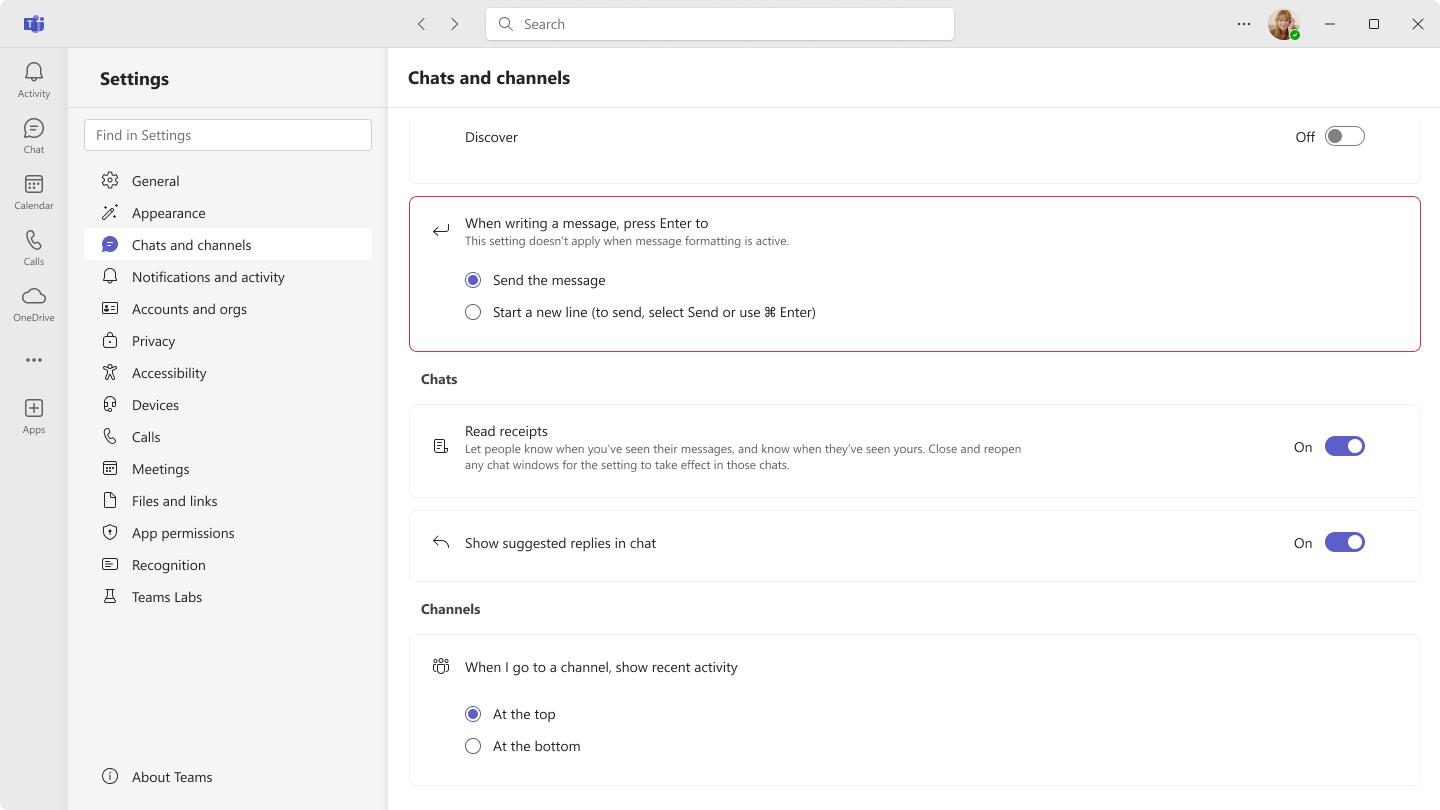
Enter Key Behaviour Can Now Be Configured
It happens to everyone at some point: sending an unfinished message in Teams by pressing Enter. Users can now choose whether pressing the Enter key sends a message (default) or starts a new line instead, with Ctrl/Cmd + Enter used to send. Shift + Enter will always insert a new line. Users can manage the Enter key behaviour under Settings / Chats and channels. This update applies to desktop and web and is being rolled out without any action required from administrators.
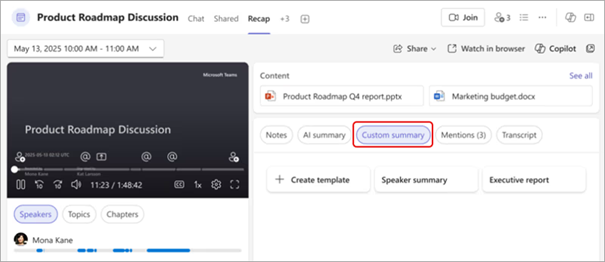
Customise Summaries
With a Microsoft 365 Copilot licence, users now have access to AI-powered, customisable summary templates. This makes it possible to save meeting notes in the desired format. Further information is available under Customise summaries in Microsoft Teams.
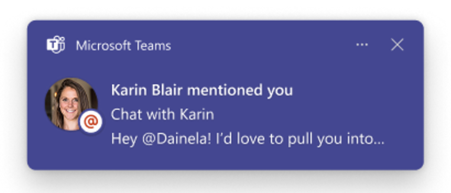
Stay Informed Faster
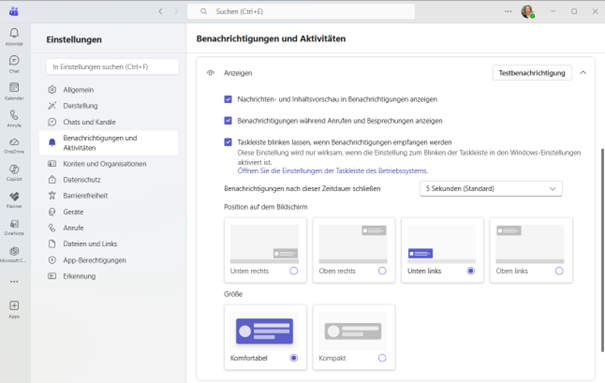
Notifications are now more meaningful. Teams now displays a preview of the message across different notification types, including channel, mention and reaction notifications.
Keep the Teams Window in View at All Times
Anyone who occasionally loses track of their Teams window will appreciate the new pin feature. Teams can now be pinned on the desktop, ensuring it remains visible above other open windows.
Copilot Everywhere in Teams
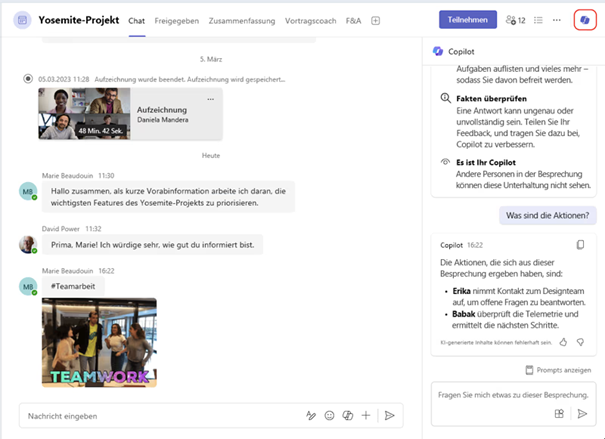
Users with a Microsoft 365 Copilot licence will now see AI integrated across Teams. It provides context and makes suggestions based on previous activities and objectives. The Copilot experience has been standardised and now matches that of the standalone app. Beyond the updated user interface, Copilot in Teams can analyse chat history, meeting transcripts and calendar content to create intelligent summaries, rephrase messages and highlight relevant insights. More information is available in the video from Microsoft. More information (Microsoft video)
Visual References in Meeting Summaries
AI-generated meeting summaries now include the visual elements that shaped the discussion, such as slides or other images. These screen moments are displayed directly alongside the relevant text sections, making summaries more intuitive to review. There is no longer any need to search through recordings manually for a specific topic.
Review App Trustworthiness
IT administrators can now assess app trustworthiness in the Teams Admin Centre based on standardised compliance and security criteria. This new feature enables administrators to evaluate more quickly and consistently whether apps meet the organisation’s requirements.
Hosting Events Made Even Easier
Teams Events now includes new functionality to make it easier to discover, create and manage both small and large events within organisations through a centralised workflow. The event type no longer restricts the available options. The new Teams Events experience (public preview) simplifies creation and management for organisers while improving visibility and access for participants. Read more about Teams Events. Read more about Teams Events